.png?width=500&height=500&name=entelligence-logo-icon(1).png)








Cloud security didn’t become complex overnight, but it did escalate faster than most teams expected.
How and Why to Upgrade to VMware Cloud Foundation (VCF) 9.0
If you’re a VMware customer, or even just someone that follows what’s happening in cloud and virtualization technologies, you know that VMware by Broadcom released a major update earlier this year with VMware Cloud Foundation 9.0 (VCF 9).
You also know that every upgrade translates into time, energy, and unexpected hurdles that your team will need to deal with. These projects are always easier said than done.
This blog aims to answer the most common questions we get from VMware clients looking into VCF 9:
- Is it worth my team’s time and energy to upgrade to VCF 9?
- What are the benefits?
- How much of an effort is this going to be?
- How can we get through the upgrade and get back to business as quickly as possible?
Reasons to Upgrade to VMware Cloud Foundation 9.0
VMware Cloud Foundation 9.0 represents a major leap forward for organizations that want the agility of public cloud combined with the governance and control of on-prem infrastructure. The enhancements delivered in VCF 9 simplify management, improve performance, and strengthen hybrid-cloud capabilities within VMware Cloud Foundation environments.
Here are the highlights:
- Unified operations and context: VCF 9 unifies the way teams interact with their cloud infrastructure. Whether troubleshooting capacity, onboarding tenants, or publishing infrastructure templates for CI/CD, teams now work from a single, consistent policy model, API surface, and lifecycle engine. This unified context reduces complexity, shortens learning curves for operators, and minimizes the risk of drift between tools and teams.
- Modernized architecture: A new modular design decouples components for easier lifecycle management, patching, and upgrades.
- Enhanced performance and scalability: Updates to NSX, vSphere, and vSAN deliver better throughput, higher utilization, and improved efficiency across workloads.
- Greater cloud interoperability: Seamless integration with VMware Cloud and hyperscaler environments simplifies hybrid management and expands deployment options.
- Improved automation and governance: New APIs and policy frameworks support consistent operations, compliance, and resource management.
You can dive much deeper into what’s new with VCF 9 here.
If you’re sold on the value of VCF 9, it’s time to figure out the best and most efficient path to get up and running with it.
Proceed with Caution
VMware customers understand that infrastructure upgrades are complex undertakings.
Moving to VCF 9 involves multiple steps, from pre-upgrade health checks and lifecycle manager validation to upgrade sequencing for SDDC Manager, vCenter, ESXi, NSX, and vSAN clusters.
Each step requires precision, planning, and an understanding of how components interact across the stack. The process is well documented, but rarely straightforward. Many IT teams hesitate to start the upgrade when internal resources are already stretched thin.
Advice for Deploying VCF 9.0 Fast
The first step toward a successful upgrade is to come up with a game plan. It’s well worth it to proactively think through the timeframe, resources needed, and target outcomes associated with any implementation or major upgrade. (At Entelligence, we believe this part of the process is so important toward successful SaaS outcomes that we offer custom-built Journey Maps for free!)
Then, for most organizations, pulling in the right services resources is key to staying on track. Even if you have a deep bench of VMware experts on staff, they’ll need to carve out dedicated time – likely days or weeks – to get it completed. And if any distractions or fire drills pop up along the way, timelines will stretch longer and longer.
We aren’t just tooting our own horn when we say this: The fastest, least painful path to success is to engage consultants who have deep domain expertise with VMware Cloud Foundation.
If you’re an enterprise VMware customer, you may qualify for professional services entitlements that can be applied toward your upgrade. Be sure to use them.
Experienced professionals bring tested methodologies, automation tooling, and the ability to anticipate issues before they happen — turning a multi-week migration into a structured, predictable process.
Whether you’re managing the upgrade on your own or utilizing consulting resources, follow a structured, phased approach with clearly defined outcomes and exit criteria for each step in the process. Here’s a high-level example that some of our Entelligence consultants use to manage client upgrades:
- Assess: Identify dependencies, risks, and optimal upgrade paths.
- Design: Tailor a migration strategy specific to your architecture and goals.
- Implement: Execute the upgrade quickly and confidently, minimizing downtime.
- Optimize: Fine-tune performance and configurations post-deployment to maximize value.
Professional Services Resources
Here’s a fun fact: Behind the scenes, VMware relies on certified consultants from partner organizations like Entelligence to deliver consulting services on their behalf. More than 100 Entelligence consultants deliver services under the VMware banner today.
Even if you don’t qualify for VMware entitlements, Entelligence can help. Our team has been on the ground supporting VMware services for decades. And now, with our AI-led services platform at their disposal, Entelligence consultants deliver outcomes even faster than they could before.
Start Planning Your Upgrade
If you’re ready to move forward with VMware Cloud Foundation 9.0, start planning your upgrade with a complimentary Journey Map.
And if you decide that enlisting professional services resources would be a worthwhile investment, we’re here to help.
Learn More
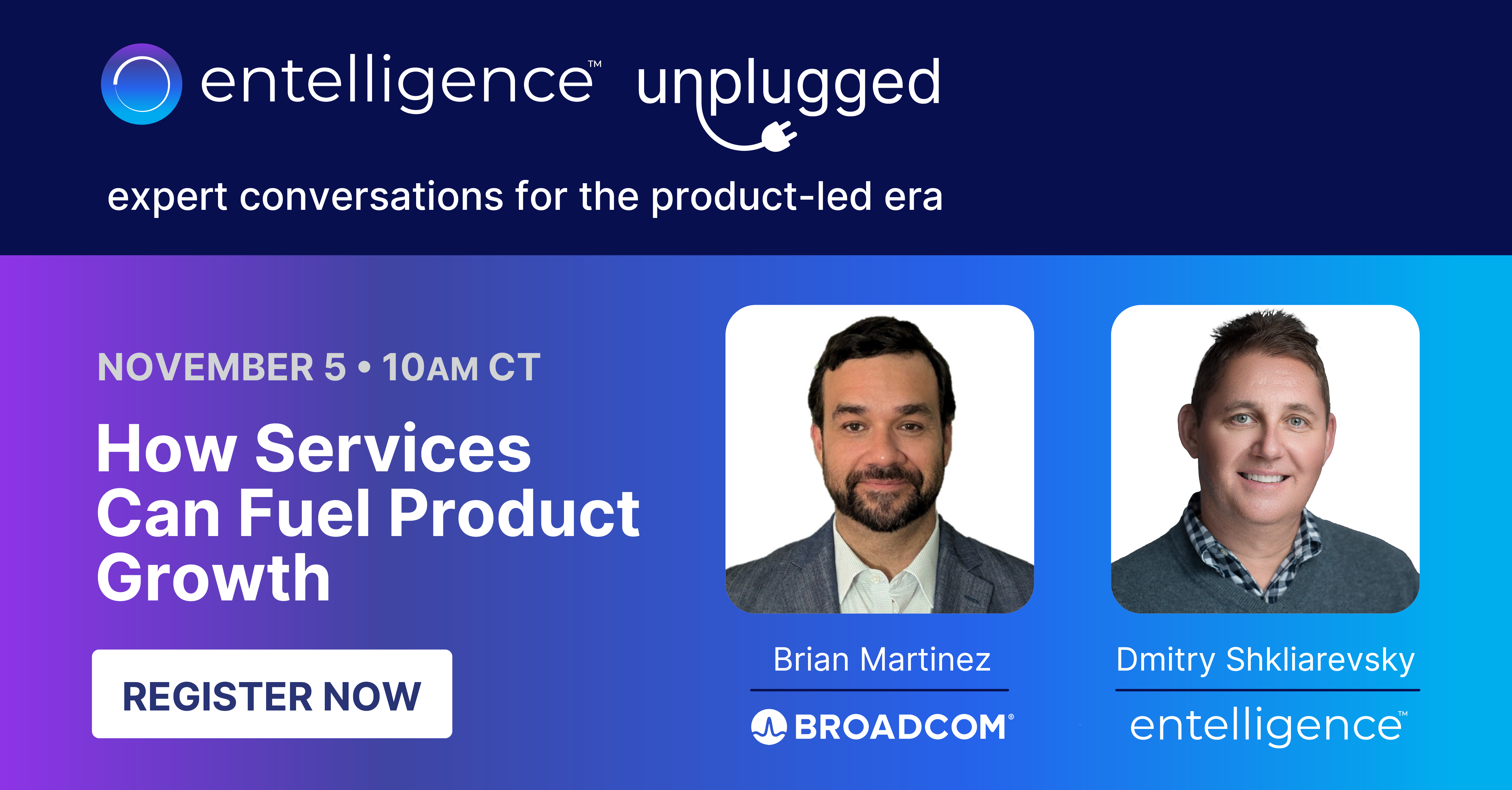
🎙️ Entelligence Unplugged took place on November 5th, which featured a lively conversation on How Services Can Fuel Product Growth between Broadcom's Brian Martinez and Entelligence CEO Dmitry Shkliarevsky. The replay is available now!